Merge
Bring several inputs back into one — rejoin branches, bundle values into an object, stitch text, or pair up lists.
Where the Conditional node splits a workflow, the Merge node brings paths back together. It takes several inputs and produces a single output — whether that’s rejoining two branches, bundling separate values into one object, stitching text together, or pairing up lists.
Inputs and output
A Merge node starts with two input ports and one Output. Add or rename the inputs in the Inputs field of the config panel — each one becomes a port. What the Output contains depends on the mode you choose.
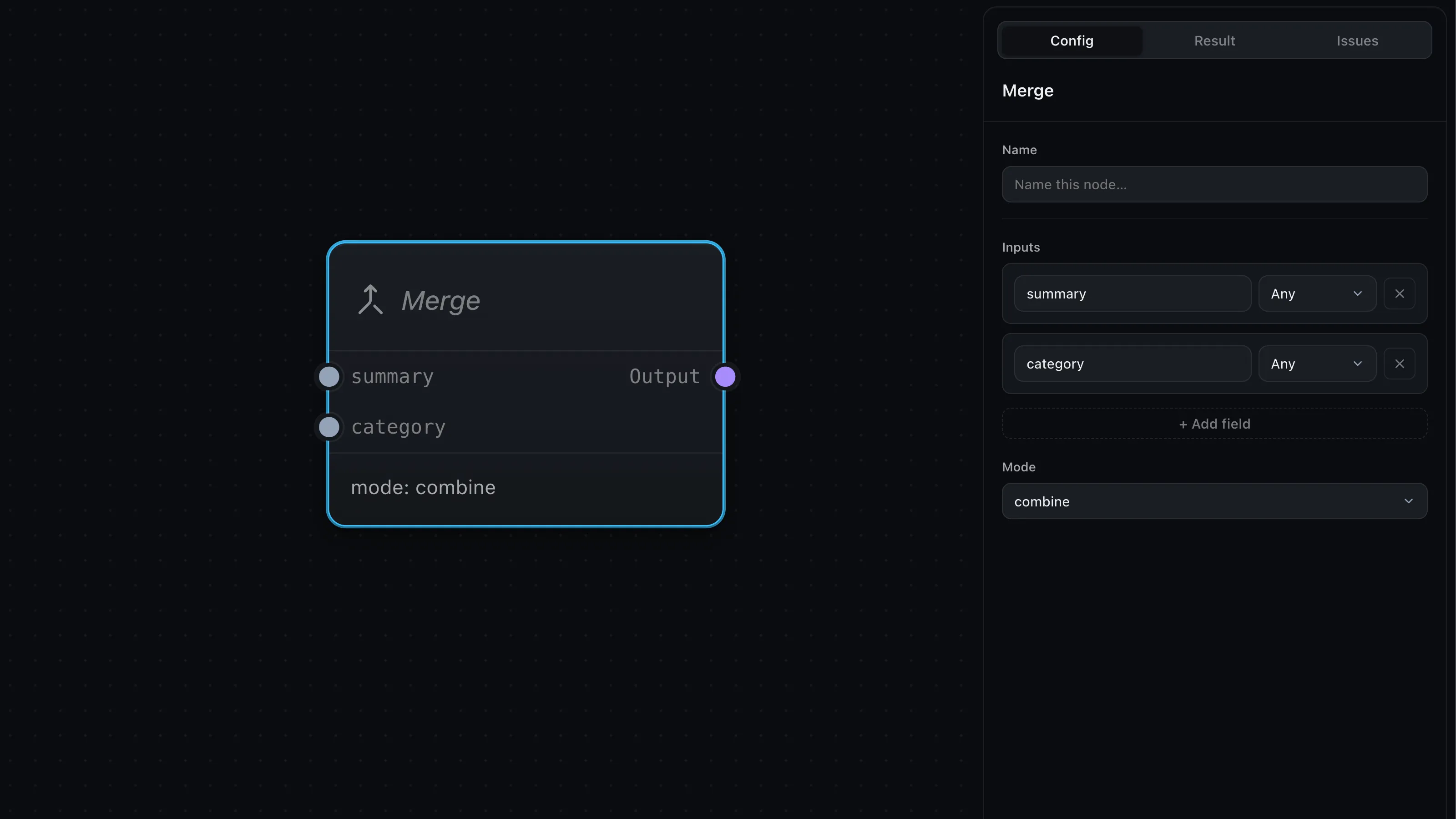
Modes
Pick how the inputs combine in the Mode dropdown:
- Pass-through (default) — passes a single input straight through: the first one that has a value, ignoring the rest. It exists for rejoining branches — feed a Conditional’s True and False paths into one Merge, and the run continues with whichever branch fired (the other was skipped, so it carries no value). If more than one input happens to have a value, the first in order wins.
- Combine — bundles the inputs into one object, keyed by their port names
(
{ input_a: …, input_b: … }). Use it to gather several values — a summary, a category, a score — into a single payload. - Concatenate — joins the inputs into one string, one per line. Handy for stitching text fragments together before an LLM or Output.
- Zip — pairs list inputs element by element into a list of objects, one per index (truncated to the shortest list; a single value broadcasts into every row).
Zip is the least obvious, so here it is concretely. With two input ports —
names holding ['Kai', 'Lin'] and scores holding [90, 85] — Zip lines them
up by position into one list:
[
  { "names": "Kai", "scores": 90 },
  { "names": "Lin", "scores": 85 }
]
It’s how you recombine lists you built with Map & arrays before a final step.
Where next
- Conditional — the split that Merge rejoins
- Map & arrays — build the lists that Zip lines up
- Input & Output — collect the merged result